How I learned to stop worrying and love Tripod

Blog post author, Nathanael Brown, ’25, is from Blanchard Township, Maine. He’s an Honors History major and Honors German Studies minor. In addition to his many college commitments, he has enjoyed fencing with Swarthmore’s club team, participating on the mock trial team, and working in the Theater Department.

This past semester, I worked on a study to evaluate the current version of Tripod that the libraries were using, and prepare some suggestions on how to migrate information from the Libraries’ website over to Tripod to make the homepage more robust and useful to students.

Research Questions:

  1. How might we better integrate contextual information about libraries and library services into Tripod (since that site is more frequently visited)?
  2. What information is most essential to users, and how do we make the information as accessible to them as possible?
  3. How do we make things intuitive while also adding the right amount of information?

To answer these questions, I drew on existing studies conducted by the UX team in the fall, such as our Libraries’ Website Usability sessions and Tripod Interviews, to gain a better understanding of how students use both sites. With this information, I drafted a list of recommended webpages for the new Tripod. I then conducted a closed card sort with the links and four categories that I had created myself.

Card Sorting

I spent a lot of time figuring out what links we were going to use and what we would name them. This went straight to research questions 2 and 3, since we couldn’t have too many links or the home page would become overwhelming, and the names needed to be intuitive. Some of the names were directly lifted from the Libraries’ website or live Tripod, while others were created.

Donna Spencer’s Card Sorting was very helpful in this process, as it taught me both the practical information of how to conduct a card-sorting session, while also clarifying the higher Information Architecture perspective on how to think about the data that I was gathering.

The data showed that for many links there was almost universal agreement about which of the four boxes it should go in, but for several there was the suggestion for a 5th category, called variously, “Talk to a Human,” “Tripod for Dummies,” etc. I termed this category Quick Links. Taking these suggestions, Mary developed a sandbox version of Tripod to conduct usability sessions with.

I had mocked up a proposal, below, which focused on symmetry and primarily utilized the original 4 proposed categories.

Eventually, we landed on this version, below, that included the fifth category as “Need Help?: Talk to a Human” which incorporated feedback about putting the opportunity for human interaction front and center.

Conducting Usability Sessions

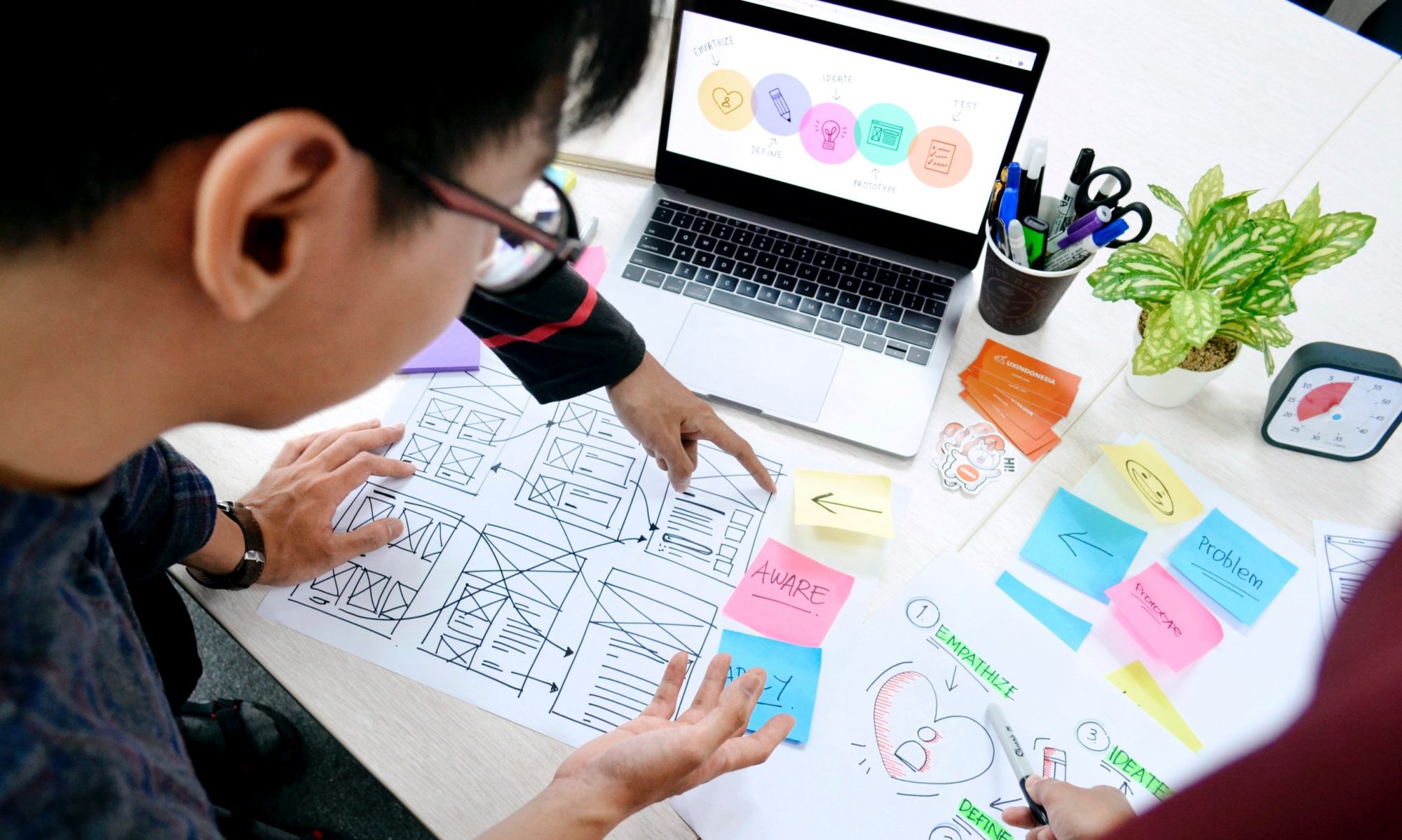
Using the sandbox, I developed a series of tasks and scenarios to test its usability. The tasks aimed to encourage users to find pages on the website that are commonly used by students. The graphic below shows the results of the sessions, with the rows each representing one user’s responses to the 8 tasks (one task per column). Red means the user did not complete the task, Yellow indicates there was difficulty or confusion with the task, and Green indicates they successfully completed the task. White indicates facilitator error.

As the results demonstrate, there are some areas for improvement, but generally the Tripod Sandbox allowed for students to access the resources they were looking for.

Additional Feedback

The responses from open-ended conversations at the end of the usability sessions reveal important insights into what students want to see out of Tripod. Many students indicate that they liked having “Talk to a Human” on Tripod as a way to quickly connect with an actual librarian. Including the “email a librarian” function, a link to subject specialist librarians, and RIAs in this section could be helpful for allowing students to quickly find a person who can help them with a problem. Many students also indicate they would like more subheadings within the four basic  categories on the Tripod homepage, citing specifically the category “Research & Scholarship” as a little too broad. Initially, Mary and I prioritized symmetry for both the Find & Borrow and Research & Scholarship boxes and included four bullet points in each. But students indicated a preference for Asymmetry, like what Live Tripod has.

Next steps

One question that the entire process has brought up repeatedly, is how to design a Tripod that serves as many students as possible. Throughout the course of my UX Research, many STEM students indicated that they do not use Tripod very much if at all, and those who do prefer the Quick Links or things like Reserve a Space to be front and center on the Tripod homepage, whereas social science and humanities students vary wildly in their usage of Tripod, many going straight to Jstor or Google Scholar.

Future Tripod research would gain a lot from focusing specifically on how the different subject area majors interact with Tripod and trying to incorporate feedback in a way that maximizes utility across the disciplines

Redesigning Special Collections on the Web

This post is by Anna Hansson, ’26, a double major in Computer Science and Mathematics with an emphasis in Statistics. Anna is interested in combining her passions for art and technology to explore UX Design.

This semester, I worked as a Library UX Intern on a new website design for the Special Collections page. The current page lacks adequate descriptions of the research catalogs: the Tri-College Libraries Digital Collections, Archives & Manuscripts, and Tripod. These databases are nuanced and can be difficult for novice users to navigate. Additionally, some users may have trouble distinguishing between the four special collections at Swarthmore: Friends Historical Library, College Archives, Peace Collection, and the Rare Book Room.

These problems sparked my research project, where I sought to answer: What content should go on the shared Special Collections library page, and how should it be organized for usability? My goal was to create a webpage that offers clear and intuitive access to each individual collection.

To start, I conducted research to understand the differences between the collections and the catalogs. I then designed a wireframe and developed it into a functional prototype using Drupal, Swarthmore’s content management system.

My main priority was to make the site easy to use, especially for new users. On the homepage, I created four boxes for each collection with a description and links for more information. I specifically worked on the “Search the Collections” page, which explains the different catalogs when to use them.

To evaluate the site’s design, I conducted usability sessions with two students. This research method is used to see how users interact with the site and identify design issues. I created scenarios where the site would be used to accomplish the task. Some scenarios I used were:

  • “You are working on a project about the Underground Railroad and want to find online resources for your assignment. Which Special Collection would you use?” 
  • “What catalog would you search in preparation for using Special Collections materials needed for a research project?”

Throughout the sessions, I asked the users what felt difficult and what was intuitive. Both participants commented that it was difficult to distinguish between the collections, specifically when to use the Friends Historical Library. Even with just two sessions, we start to see usability patterns, and further testing will help refine the site’s design.

The next steps of this project are to test more users to address usability challenges and to redesign the “Student Opportunities” page to improve layout and understanding.

Overall, this project was a valuable learning experience in web design and usability. I’m excited to apply the skills and insights I’ve gained to future work.

Tripod and the Libraries’ Website Part II

My earlier post, Tripod and the Libraries’ Website: a Brief History, summarized structural and cultural reasons that explain our current, siloed library web landscape: why our website is less robust than those of other academic libraries (and under-used as a result) and why a majority of our users think of our integrated library system, Tripod, as “the library website.”

I think it’s a problem. Here’s why:

Equating Tripod and the libraries’ website implicitly communicates a narrow view of what a library is and undermines our value.

It conveys the message that libraries are simply repositories for resources: books on shelves and connections to online resources which may be accessed from anywhere.

And this is a best case scenario. Often, students bypass Tripod as a starting place and begin their search for resources externally (through Google Scholar, for example) without realizing the libraries are usually licensing the content and providing full-text access to the resources they discover there.

This behavior contributes to the breezy misconception some students have that they don’t use, or even need the libraries.

Google Scholar is great. It is simple to search – probably easier than Tripod. Perhaps that’s why some students start their research there.

This is fine, and an improved library website will not necessarily change this behavior.

But research is a craft that is learned and that the libraries help to teach. As students develop research skills, Tripod searches begun through a robust library website would expose them to a more complete information ecosystem, including Digital Scholarship, Archives, Special Collections, and librarian expertise.

Contextualizing Tripod within this ecosystem would communicate an awareness of what libraries offer beyond catalog search results and more accurately situate them as a comprehensive component of a Swarthmore liberal arts education.

On its own, Tripod is not capable of communicating the depth of contextual information a good website could provide.

We know from user research that many students are unaware of library services and confused by terms and concepts that affect their research. Despite steady growth in the number of library instruction sessions and research consultations we provide each year, we’re far from reaching everyone. Yet unless students receive library instruction of some kind, they may miss important learning for both information and digital literacies.

A dynamic, more highly functional website could help by filling gaps, demystifying terms and concepts, and by providing intuitive pathways to library expertise.

So if I’d made my case, how do we get there?

Even if we agree to begin to shift our culture toward creating a website that serves as a single portal to resources in the catalog and the breadth of library affordances, some of us are aware of the structural barriers inherent in the current swarthmore.edu Drupal design.

Usability studies continue to indicate that what we have does not work well and we are building a case for change by demonstrating our need for greater functionality. Although change may be incremental for now, there may be interesting paths forward.

Tripod and the Libraries’ Website: A Brief History

This is the first in a series of posts about Assessment and User Experience work on the libraries’ website and Tripod starting with a brief history of our current landscape (and with a nod to Kate Carter’s favorite canned search for “Bears: A Brief History.”)

The Libraries’ Website

Most academic library websites share a visual language. Above the fold it is common to see:

  • Prominent catalog search at the top of the page (See this example from Kenyon College)
  • A horizontal menu is across the top that drops down to expose top site content (See this example from Albion College)
  • Links near the top of the page for Hours, Research Help (often Chat) and access to “My Account” (See this example from Oberlin College)

Below the fold, a variety of additional information of interest is common, for example:

  • Quick Links to top resources, like this example at Bowdoin College
  • Current information: library news, exhibitions, and highlights of particular services like this example from Skidmore

People who pay attention to urls may notice that each of these library web addresses begin with the word library (or a variation: libraries, lib, etc.) followed by institution name dot edu.

This url tidbit indicates that many academic library sites are separate from and adjacent to the larger sites of their parent institutions and they usually toggle back and forth via persistent links near the top of library webpages (often through word stamp logos.)

Most importantly, these sites serve (at least visually and often, functionally) as a single portal to resources in the library catalog and library services. Is it possible for someone at Smith College to skip the library site and perform a catalog search starting directly from the catalog itself? Maybe, but it would be difficult. (Give it a try and you’ll see what I mean.)

Swarthmore is different

Our library site lives under the swarthmore.edu navigation hierarchy just like all the other departmental sites at the college. Our url begins with swarthmore followed by dot edu slash libraries. There are solid reasons for this, but library site navigation and design are necessarily limited by the options available on the College site. As a result, our library site can not share the visual language or navigation options common to other robust academic library sites because these would interfere with swarthmore.edu site navigation.

What about Tripod?

Swarthmore user behavior is “Tripod-centric” meaning most of our library users go straight to Tripod for their library needs, bypassing the website entirely. In fact, many people here think Tripod is the “library website.” Last year the UX Team ran a quick poll asking students if they were aware the libraries have a website in addition to Tripod. 52.2 % of responders said “No.”

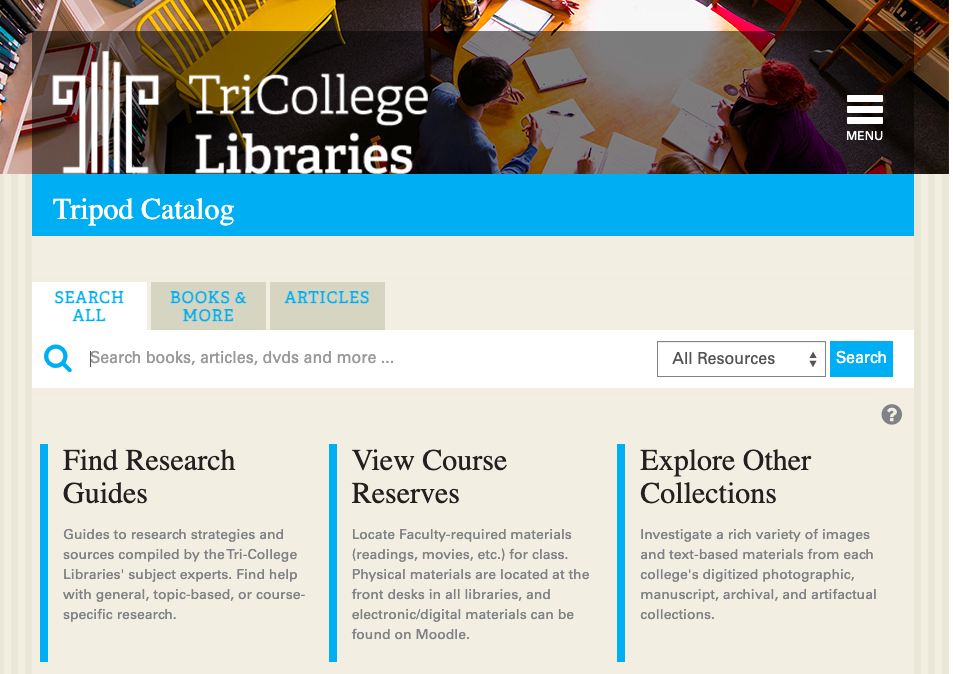
It’s possible that our history with the Tri-College libraries contributes to this culture. Previous to our Integrated Library System (ILS) migration to Alma/Primo, Tripod was built on the Millennium interface using open-source software called VuFind as the discovery layer. Bryn Mawr servers hosted the system and the url for all of us was “tripod.brynmawr.edu” Here’s a view from 2016:

Tripod homepage circa 2016
screen capture from the Wayback Machine of the Tripod homepage in 2016

We migrated to Alma/Primo at the end of 2018 for many reasons, but chief among them was to help eliminate confusion about access to electronic resources.

In the Tripod iteration pictured above, since we all used the same (brynmawr) url, library users at any school would see all electronic resources in the catalog whether their school licensed access or not.

As a result, people at Bryn Mawr (for example) did not understand why they could not simply click and get access to a resource purchased and licensed at Swarthmore only. Since the resource was online, it didn’t make sense to them that they should need to travel to Swarthmore to access it (and many librarians, including myself, enabled some legally questionable pathways around this problem.)

Our current configuration with Primo mostly eliminates this issue. Each Trico Library now has a unique url for Tripod and users see only the electronic resources purchased and licensed for their college. This configuration also allows each Library to (mostly) customize the public face of Tripod to match their College’s branding since our urls are now separate and school specific.

When we conducted web usability sessions of Alma/Primo at the time of migration, one comment I heard repeatedly from Swarthmore users was appreciation for the new, tripod.swarthmore.edu url. (Who knew urls meant so much to people? Reader, I did not.)

I have worked with colleagues and UX Interns over the years to make incremental changes to the library website and Tripod in hopes they would speak to one another more fluently and to better align with web behavior expectations common to academic library websites generally.

But the structural issues with our website and the cultural issues with Tripod remain.

Understanding this background will inform forthcoming posts exploring where we might go from here. Stay tuned!